
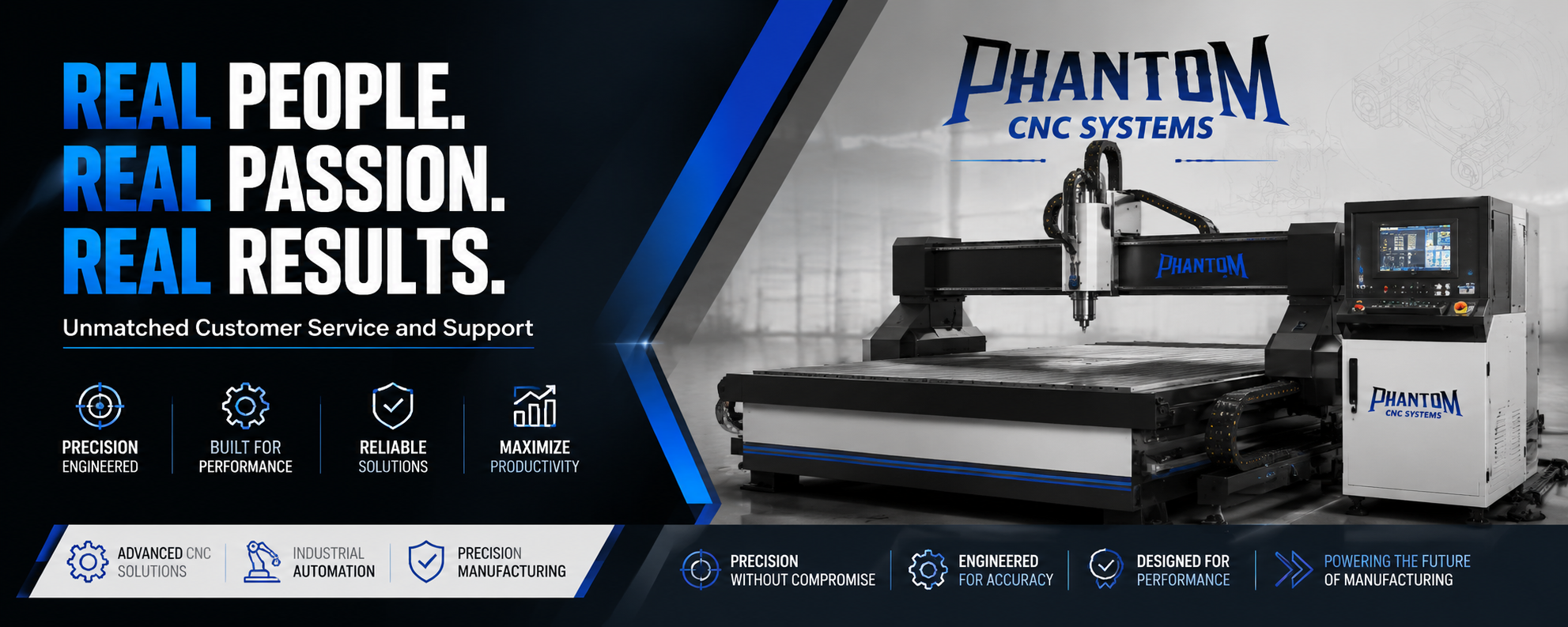
Buying your first CNC router feels a lot like stepping into a whole new world. You are looking at axis movements, spindle speeds, controller software, frame rigidity, and vacuum hold-downs, all while trying to figure out which machine won't choke when you feed it a sheet of 3/4-inch hardwood or cabinet-grade plywood.
If you are setting up a home workshop, expanding a cabinet business, or taking side-hustle woodworking to a commercial level, selecting the right machine is the single most important decision you will make. Pick the wrong unit, and you will spend more time troubleshooting frame flex, chatter, and lost steps than actually making parts. Pick the right machine, and your shop transformed into an efficient, precision-driven production engine.
This guide walks you through the exact technical considerations, operational requirements, and practical trade-offs you need to know to choose the right CNC router for your space and workflow.
1. Define Your Workshop Goals: Hobbyist vs. Production
Before diving into spindle specifications or drive mechanisms, get clear on what your machine needs to accomplish on a daily basis.
                          ┌───────────────────────────┐
                          │   What is your primary    │
                          │   production goal?        │
                          └─────────────┬─────────────┘
                                        │
                    ┌───────────────────┴───────────────────┐
                    ▼                                       ▼
        ┌───────────────────────┐               ┌───────────────────────┐
        │ Light Duty / Hobby    │               │ Commercial Production │
        │ • Small crafts        │               │ • Cabinetry & signage │
        │ • Prototyping         │               │ • Full sheet goods    │
        │ • Softwoods & acrylic │               │ • Daily multi-shift   │
        └───────────┬───────────┘               └───────────┬───────────┘
                    │                                       │
                    ▼                                       ▼
        ┌───────────────────────┐               ┌───────────────────────┐
        │ Belt-Driven / Router  │               │ Ball-Screw / Spindle  │
        │ Desktop (2x2 to 4x4)  │               │ Industrial (4x8+)     │
        └───────────────────────┘               └───────────────────────┘
Light Duty & Hobby Work
If your main goal is small crafts, decorative signs, fine carving, or light prototyping, a desktop or compact setup (such as a 2' x 2' or 2' x 4' machine) will cover your needs. These machines usually rely on trimmed hand routers as spindles and belt or lead-screw motion systems.
Commercial & Cabinet Production
If you plan to cut full 4' x 8' sheets of cabinet plywood, process non-ferrous metals like aluminum, or run the machine several hours a day, small desktop units will quickly become a bottleneck. Industrial work demands heavy steel construction, high-power liquid or air-cooled spindles, and heavy-duty ball screws paired with vacuum hold-down systems.
For shop owners looking for high-accuracy equipment backed by dedicated support, exploring commercial machinery options at Phantom CNC Systems helps bridge the gap between small entry-level units and full-scale manufacturing setups.
2. Structural Rigidity: Why Weight and Frame Material Matter
When evaluating a CNC router, precision comes down to structural stiffness. As the cutting bit hits your material, it exerts significant lateral force. If the machine frame flexes even a fraction of a millimeter, that flex shows up on your workpiece as tool chatter, rough edge finishes, and inaccurate dimensions.
-
Aluminum Extrusion Frames: Light, modular, and affordable. Common on entry-level desktop machines. They perform well for light wood and plastics, but can twist or vibrate under heavy cutting passes in dense hardwoods.
-
Welded Structural Steel Frames: The gold standard for commercial and production environments. Heavy steel frames absorb spindle vibrations, allow for faster feed rates, and maintain alignment over years of continuous use.
Rule of Thumb: In the CNC world, mass is your friend. A heavier frame dampens vibration, extends tool life, and delivers smooth, clean edge profiles on every pass.
3. Drive Systems: Stepper Motors vs. Servo Motors
How your gantry moves along the X, Y, and Z axes dictates both speed and positioning accuracy. Two primary drive technologies power modern CNC routers:
+------------------------+------------------------------------+------------------------+ | Feature | Stepper Motor Systems | Servo Motor Systems | +------------------------+------------------------------------+----------------------------+ | Feedback Loop | Open-loop (no position feedback) | Closed-loop (constant position check)| | Speed & Torque | High torque at low speeds | Maintains high torque at high speed | | Missed Steps | Possible under heavy strain | Virtually impossible (triggers alarm)| | Best For | Hobbyists, small shops,light duty| Commercial production, high speeds | +------------------------+------------------------------------+--------------------------+
Stepper Motors (Open-Loop vs. Closed-Loop)
Standard stepper motors move in precise increments (steps). In an open-loop system, the machine controller sends movement commands but has no way of verifying if the motor actually moved. If the bit catches a hard knot in the wood, the motor can lose steps, causing the rest of your cut to shift out of alignment. Closed-loop steppers add encoders to catch and correct these positional errors.
Servo Motors (Closed-Loop Precision)
Servos constantly communicate their exact position back to the controller thousands of times per second. If a servo experiences resistance, it draws more current to maintain precise speed and location. Servos offer higher rapid traverse speeds, smoother motion dynamics, and absolute peace of mind during complex jobs.
4. Spindles vs. Standard Wood Routers
The unit spinning your cutting bit determines how clean your cuts are and how long your machine can run without thermal overload.
                  ┌──────────────────────────────────────────┐
                  │          Choose Your Power Plant         │
                  └────────────────────┬─────────────────────┘
                                       │
                    ┌──────────────────┴──────────────────┐
                    ▼                                     ▼
        ┌───────────────────────┐             ┌───────────────────────┐
        │ Trim / Hand Router    │             │ Industrial Spindle    │
        │ • Brushes wear out    │             │ • Brushless induction │
        │ • Loud operation      │             │ • Quiet & continuous  │
        │ • Fixed RPM ranges    │             │ • Precise VFD control │
        └───────────────────────┘             └───────────────────────┘
-
Standard Hand Routers: Common on DIY and entry-level kits. They use carbon brushes that wear out quickly under long run times, produce high-pitched noise, and lack precise variable speed controls.
-
Industrial VFD Spindles: Brushless induction motors run through a Variable Frequency Drive (VFD). They are whisper-quiet compared to hand routers, run continuously for hours without overheating, and offer precise RPM control matched to your material type.
If you plan to cut daily, investing in an air-cooled or water-cooled spindle is essential for consistent cut quality and low machine downtime.
5. Workholding and Vacuum Tables
Getting your stock flat and firmly secured is one of the most critical parts of the CNC process. If your material shifts even slightly mid-job, the workpiece can be ruined, or worse, break expensive end mills.
                           ┌────────────────────────────┐
                           │    Workholding Options     │
                           └─────────────┬──────────────┘
                                         │
                    ┌────────────────────┴────────────────────┐
                    ▼                                         ▼
        ┌───────────────────────┐                 ┌───────────────────────┐
        │ Manual Clamping / T-Track│               │ Vacuum Table System   │
        │ • Great for solid wood│                 │ • Essential for sheet │
        │ • Requires clearance  │                 │   goods & cabinetry   │
        │ • Longer setup time   │                 │ • Instant hold-down   │
        └───────────────────────┘                 └───────────────────────┘
-
T-Slot Tables & Mechanical Clamping: Perfect for solid lumber, thick blocks, and custom workpieces. However, you must carefully plan your toolpaths to avoid hitting metal clamps with your spinning bit.
-
Vacuum Hold-Down Systems: The industry standard for processing full sheets of plywood, MDF, or plastic. A dedicated vacuum pump pulls air through a sacrificial MDF spoilboard, locking the material flat across the entire table bed in seconds.
6. Software Workflow: CAD, CAM, and Control Systems
Operating a CNC router requires a three-step digital workflow:
  ┌─────────────────┐       ┌─────────────────┐       ┌─────────────────┐
  │    1. CAD       │ ────> │    2. CAM       │ ────> │   3. Control    │
  │ Design vectors  │       │ Apply toolpaths │       │  Execute G-code │
  │ & 3D models     │       │ & calculate Gs  │       │  on the machine │
  └─────────────────┘       └─────────────────┘       └─────────────────┘
-
CAD (Computer-Aided Design): Software where you draw your parts, vector paths, or 3D models (e.g., Fusion 360, VCarve, Vectric Aspire, AutoCAD).
-
CAM (Computer-Aided Manufacturing): Converts your vector geometry into motor instructions called G-code. CAM is where you define tool bit sizes, spindle speeds, feed rates, cut depths, and entry strategies.
-
Machine Controller: The physical interface or dedicated computer program (such as DSP hand controllers, Mach3/Mach4, or industrial FANUC controllers) that reads the G-code and drives the stepper or servo motors in real time.
Look for machinery brands that offer intuitive controller software and robust technical support so you don't end up stuck when configuring your initial post-processors.
7. Crucial Workshop Accessories to Budget For
When buying your first setup, remember that the CNC router is only part of the investment. To maintain a clean, safe, and productive environment, leave room in your budget for essential support equipment:
-
Dust Collection: CNC routers generate massive amounts of fine dust and chips. A dedicated high-CFM dust collector with a proper spindle dust shoe keeps your shop air clean and prevents debris from contaminating your linear bearings and lead screws.
-
Quality Tooling (End Mills): Invest in sharp, high-grade solid carbide bits. Using cheap, dull end mills causes friction, wood burning, chatter, and poor surface finishes. Keep a mix of up-cut, down-cut, compression, and surfacing bits on hand.
-
Air Compressor System: Essential if your CNC router features pneumatic pop-up alignment pins, auto-tool changers (ATC), or mist coolants for cutting non-ferrous metals.
Actionable Buying Checklist for Beginners
Before pulling the trigger on a purchase, run through this final checklist:
-
[ ] Measure Your Shop Space: Ensure you have enough clearance around all four sides of the machine for material loading, unloading, and dust collector hose runs.
-
[ ] Verify Electrical Capacity: Check your panel. Do you have adequate 220V single-phase or 3-phase power available for both the spindle and your vacuum pump?
-
[ ] Identify Primary Materials: If you cut mostly aluminum, prioritize high-rigidity frames and flood/mist coolant options. If you cut cabinet sheets, prioritize table size (4x8 or larger) and vacuum suction.
-
[ ] Evaluate Support & Parts Availability: Choose a reputable machinery partner with readily available replacement parts, clear documentation, and accessible US-based technical service.
Frequently Asked Questions
What size CNC router should a beginner start with?
It depends on your available floor space and intended projects. If you plan to make cabinetry or furniture, a full-size 4' x 8' router saves time by accepting standard sheet goods directly. If space is limited or you focus solely on small crafts, a 2' x 4' or 4' x 4' machine provides an ideal balance of footprint and capability.
Can a wood CNC router cut aluminum and metals?
Yes, provided the machine frame is rigid enough and you use the correct speeds, feeds, and single-flute carbide end mills. Non-ferrous metals like aluminum and brass require solid structural frames to prevent flex and a high-torque spindle to maintain stable speeds without stalling.
What is the difference between air-cooled and water-cooled spindles?
Air-cooled spindles use an internal fan to blow air across cooling fins. They are easier to install and require less maintenance. Water-cooled spindles run water through a closed loop system with a radiator or chiller. They are quieter and perform better in hot shop environments during extended production runs.
How hard is it to learn CNC software?
Modern CAD/CAM platforms feature intuitive interfaces designed specifically for woodworkers and makers. With software packages like VCarve Pro or Fusion 360, most users can design basic 2D vectors and run their first successful cut program within a few hours of setup.
Final Thoughts
Choosing the right CNC router comes down to matching the machine's capabilities with your long-term creative and business ambitions. By investing in structural rigidity, a dependable spindle system, and robust controller technology from trusted providers like Phantom CNC Systems, you set your workshop up for high-precision output right from day one. Take time to plan your workspace, budget for necessary support tools, and select a system that leaves room for your production needs to grow.

 English
 Arabic
 French
 Portuguese
 Deutsch
 Turkish
 Dutch
Dutch
 Italiano
 Russian
 Romaian
 Portuguese (Brazil)
 Greek
Greek