
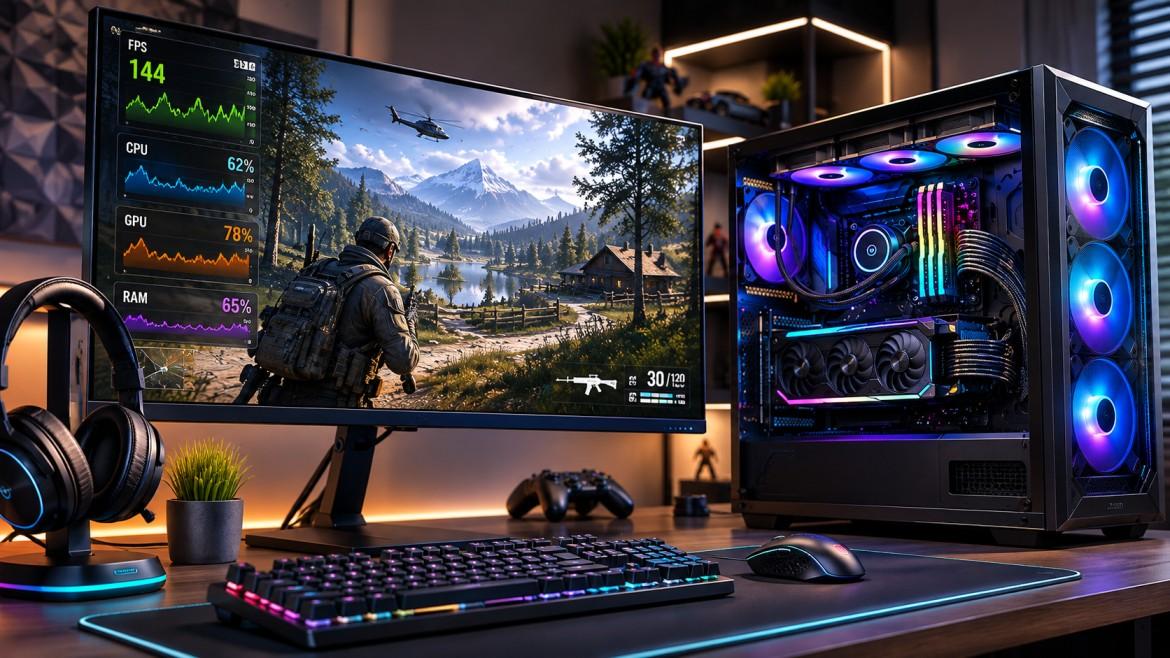
If you want to fix a CPU bottleneck, upgrading your processor is not always the first or only solution. A CPU bottleneck can occur when your processor cannot keep up with the demands of your graphics card, games, applications, or system workload. Fortunately, several practical optimization techniques can help improve performance before you spend money on new hardware. Bottleneck Calculator provides a convenient resource for understanding CPU and GPU limitations and exploring effective ways to improve your PC setup.
Understand What Is Causing the Bottleneck
Before making changes, it is important to identify why your CPU is limiting performance. High CPU utilization, inconsistent frame rates, stuttering, slow application responsiveness, and underused GPU capacity can all indicate a processor-related limitation. Instead of guessing, users can turn to Bottleneck Calculator to evaluate their hardware configuration and better understand where performance restrictions may exist.
Understanding the source of the problem makes it easier to choose the right solution. Sometimes the issue is not simply an older CPU. Background applications, inefficient settings, excessive temperatures, outdated drivers, or demanding software can also contribute to poor performance.
Optimize Background Processes
One of the simplest ways to fix a CPU bottleneck is to reduce unnecessary background activity. Applications running in the background consume processor resources that could otherwise be available for games and demanding workloads.
Close programs you do not need while gaming or performing intensive tasks. Review startup applications and disable unnecessary software from launching automatically. Browser tabs, synchronization tools, launchers, recording software, and other utilities can collectively place additional demands on the CPU.
By creating a cleaner software environment, your processor can dedicate more resources to the applications that matter most.
Adjust In-Game and Application Settings
Software settings can also influence CPU usage. In CPU-limited games, reducing settings that heavily depend on processor performance may help produce a smoother experience. Depending on the game, options related to simulation distance, crowd density, object detail, physics, and world complexity can affect CPU workload.
At the same time, increasing certain GPU-focused settings may shift more of the workload toward the graphics card. This does not eliminate a hardware limitation, but it can help create a more balanced workload.
Bottleneck Calculator can help users approach these decisions more intelligently by providing a starting point for understanding how their CPU and GPU combination may behave.
Keep Your CPU Cool
Thermal performance is another important factor when trying to fix a CPU bottleneck. Modern processors can reduce their operating speeds when temperatures become too high. This behavior, commonly known as thermal throttling, can reduce performance during demanding workloads.
Make sure your computer has adequate airflow and that cooling components are functioning properly. Cleaning accumulated dust from fans and heatsinks can also improve cooling efficiency. Users should monitor CPU temperatures under load to determine whether overheating is contributing to performance problems.
A properly cooled processor is more likely to maintain consistent performance during extended gaming or productivity sessions.
Update Drivers and System Software
Keeping your operating system, chipset drivers, graphics drivers, and relevant software updated can help maintain efficient system performance. Updates may include performance improvements, compatibility fixes, and optimizations that reduce unnecessary resource usage.
Although updates cannot magically transform an entry-level processor into a high-end model, they can eliminate software-related problems that make an existing bottleneck worse.
Make Smarter Hardware Decisions
When optimization is not enough, the next step may involve evaluating your hardware configuration. However, replacing components without understanding the actual limitation can result in unnecessary spending. Before purchasing a new processor or graphics card, use Bottleneck Calculator to assess your configuration and identify potential performance mismatches.
If you are still looking for ways to fix a CPU bottleneck, consider whether your workload genuinely requires an upgrade. In some cases, optimizing memory settings, improving cooling, reducing background processes, or adjusting software settings can provide meaningful improvements without replacing major components.
Why Bottleneck Calculator Is Worth Using
Bottleneck Calculator is designed to make PC performance analysis easier for users who want clearer insight into CPU and GPU relationships. Rather than relying entirely on assumptions, users can explore their hardware configuration and make more informed decisions about optimization and upgrades.
Whether you are building a new gaming PC, troubleshooting an existing system, or planning a future upgrade, understanding potential bottlenecks can help you prioritize the changes that matter most.
Conclusion
Learning how to fix a CPU bottleneck does not necessarily mean immediately purchasing a new processor. Optimizing background processes, adjusting application settings, improving cooling, and maintaining updated system software can all contribute to better performance. When an upgrade is eventually necessary, proper analysis can help ensure that your investment addresses the actual limitation.
With Bottleneck Calculator, PC users have a practical starting point for evaluating CPU and GPU balance and making more confident performance decisions. If you want to fix a CPU bottleneck efficiently, informed analysis is the first step toward building a smoother, better-balanced computer.

 English
 Arabic
 Spanish
 Portuguese
 Deutsch
 Turkish
 Dutch
Dutch
 Italiano
 Russian
 Romaian
 Portuguese (Brazil)
 Greek
Greek